Best Room Setup and Lighting for Recording Legacy Videos
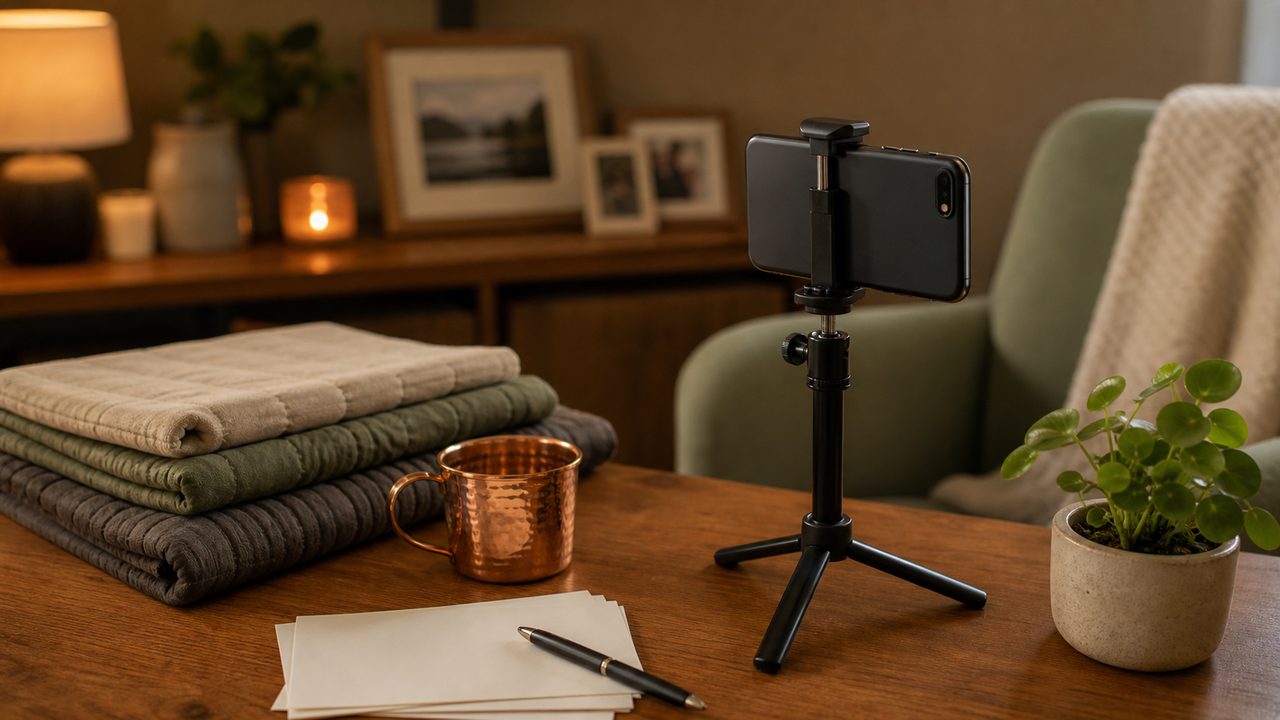
Light your face gently
Sit facing a window during the day, or place a lamp in front of you rather than behind you. Backlighting makes faces hard to see, especially on older phones and laptops.
Avoid harsh overhead light if you can. A warm lamp at eye level usually looks more natural and less clinical.
Protect the sound
Sound matters more than video quality for emotional messages. Turn off fans, televisions, and notification sounds. If your room echoes, record near curtains, bookshelves, or soft furniture.
Use wired earbuds with a microphone if your laptop microphone sounds distant. Test ten seconds and play it back before recording the real message.
Frame the shot simply
Place the camera at eye level. Leave a little space above your head and keep your shoulders in frame. A stable stack of books is better than holding the phone by hand.
Choose a background that will not distract from your face. A familiar room can be comforting, but avoid private papers, screens, or addresses in the shot.
Quick checklist
- Face the light.
- Check audio before the real take.
- Put the camera at eye level.
- Keep private documents out of frame.
Important: MyFinalMessage is for personal legacy messages and secure memory planning. It is not a substitute for legal, medical, financial, or mental health advice. Use qualified professionals and local official processes for those decisions.
Preserve Your Message With Care
Record a private video, choose recipients, and keep your legacy message protected until the right time.
Create Free Account →