How to Choose Recipients for a Legacy Message
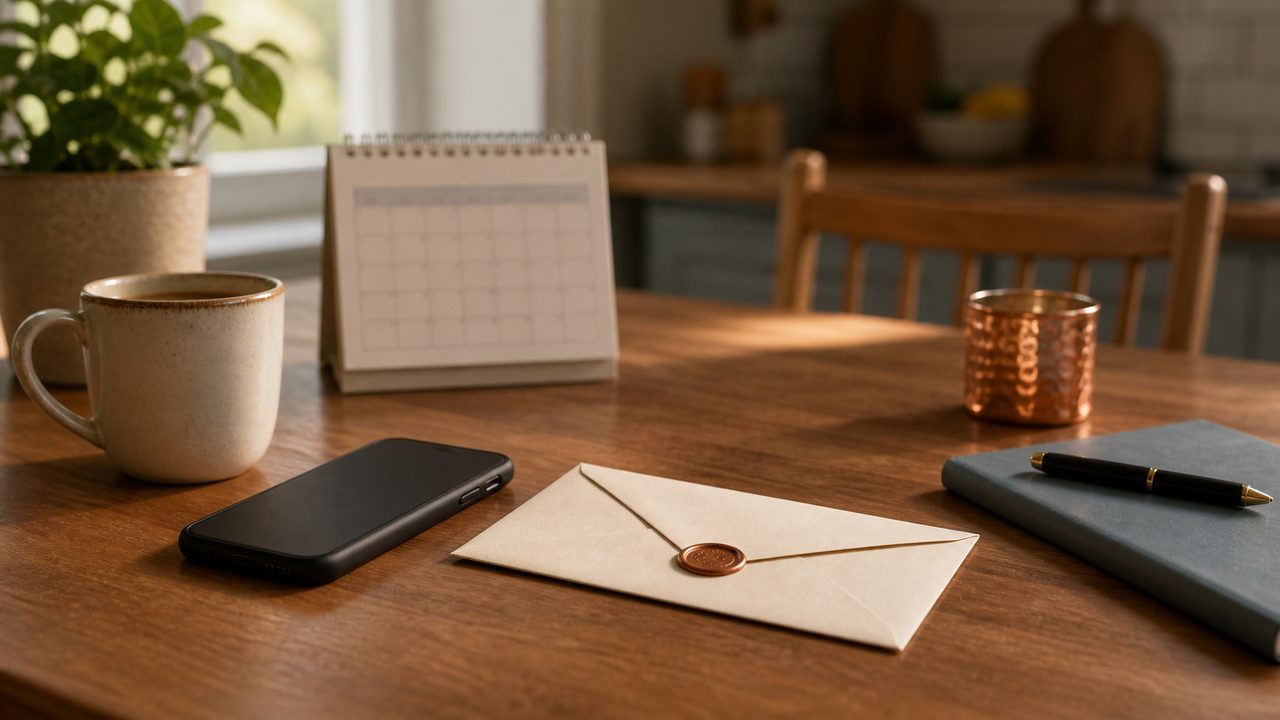
Choosing who receives your legacy message is one of the most meaningful decisions you will make. Start with the people whose lives you have touched most — your immediate family, your closest friends — and work outward from there. You do not need a perfect list right away. You can revisit and update your recipients any time your account is active.
Start with the People Who Matter Most
When most people sit down to think about recipients, they feel a quiet sense of pressure to be comprehensive — to not leave anyone out. But the best place to begin is simply: who would feel the most if they did not receive a message from you?
That is usually a short list. A spouse or partner. A child or two. A parent who is still living. A friend who has been there through the hardest years. Start there, and let the rest follow naturally.
There is no rule that says you have to include everyone equally, or that every message needs to be the same length or depth. Some relationships call for a longer, more intimate message. Others might need only a few words you never quite found time to say out loud.
Different Messages for Different People
One of the most important things to understand about MyFinalMessage is that you are not limited to a single message sent to everyone at once. You can create separate videos and assign each one to a specific person or group.
This matters more than it might seem at first. What you want to say to your spouse is almost certainly different from what you want to say to your children — and both of those are different from what you might want to leave for a close friend, a sibling, or a grandchild. When recipients receive a message addressed directly to them, it lands differently. It feels personal, because it is.
You might create:
- A long, intimate message for your partner covering shared memories, gratitude, and things left unsaid
- Separate messages for each child, tailored to their age and your relationship with them
- A message for a parent or sibling you have always found hard to talk to honestly
- A short note for a close friend who has known you longer than almost anyone
None of these need to be produced all at once. You can add new messages over time as your thinking evolves.
Who to Consider Including
Beyond the obvious choices, it is worth pausing to consider people who might not be the first names that come to mind:
You do not have to include everyone on this list. Some of these may not apply to your life at all. Think of it as a set of prompts, not a checklist of obligations.
Questions to Ask Yourself Before Finalising Recipients
Before you confirm your list, it helps to sit quietly with a few honest questions. There are no wrong answers — only clarity you did not have before.
- If this message was the last thing this person ever heard from me, would I be at peace with that?
- Is there something I have never said to this person that I wish I had? A message is a chance to finally say it.
- Are there people I am leaving out because I am avoiding a difficult conversation — even posthumously?
- If my children are young, who will explain the message to them and when? Do I want to set a delivery trigger that waits until they are older?
- Have I thought about what happens if a recipient is no longer reachable at the email I provide?
- Do I have a current, working email address for everyone on my list?
- Is there a trusted person — a spouse, a sibling, an executor — who could help reach people if an email address bounces?
- Have I told at least one living person that messages exist and roughly who will receive them?
What Information Your Recipients Will Need
When you add a recipient inside MyFinalMessage, you will provide:
- Their email address — this is where the message will be sent when the time comes. Keep it as up to date as possible.
- Their relationship to you — this helps with personalisation and, if needed, helps your trusted contacts understand the scope of your list.
- Any context you want them to have — you can include a brief note explaining what the message is, so its arrival does not feel confusing or alarming.
You are not required to tell your recipients in advance that a message exists for them — but in many cases, letting at least one trusted person know makes it more likely the message reaches the right people at the right time.
Can You Change Recipients Later?
Yes — while your account is active, you can add new recipients, remove existing ones, and update contact details at any time. Life changes. Relationships evolve. People move. Children grow up and get their own email addresses.
We strongly encourage you to treat your recipient list as a living document — something you review once a year, perhaps alongside your will or estate planning, and update whenever there is a significant change in your life or relationships.
What Happens If a Recipient’s Email Changes or They Pass Away First?
This is one of the most commonly asked questions, and it is worth being honest about. Email addresses change. People pass away. Inboxes become inaccessible. No digital delivery system can guarantee that a message will be read — only that it will be sent to the address you provided.
That is why a few practical habits matter:
- Log in and review your recipient list at least once a year
- When someone you love changes email addresses, update their entry straight away
- If a recipient passes away before you, remove them from the list if you are aware of it — or let a trusted person know to handle this on your behalf
- Consider naming at least one recipient who is significantly younger than you, or who holds a role (like a family executor) rather than just an individual email
No system replaces human care and attention. The best preparation you can do is combine a thoughtful digital setup with a trusted person who knows it exists.
Frequently Asked Questions
The number of recipients you can add depends on your plan. Most plans allow multiple recipients per message, and you can create different messages for different people.
Yes. MyFinalMessage lets you create separate messages and assign each one to a specific person or group. Your spouse does not need to receive the same video as your children or your close friends.
Once delivery is triggered, the message is sent to the email address you provided. What happens after that is outside our control — which is why we recommend keeping recipient contact details current and letting trusted people know a message exists for them.
Yes. Recipients are not shown each other’s details. Each person receives only the message addressed to them.
Ready to choose your recipients?
Create your account in a few minutes. Record your first message, add the people who matter most, and rest knowing it is all safely in place.
Get started — it’s free to try