Photo Libraries, Cloud Storage, and Digital Legacy
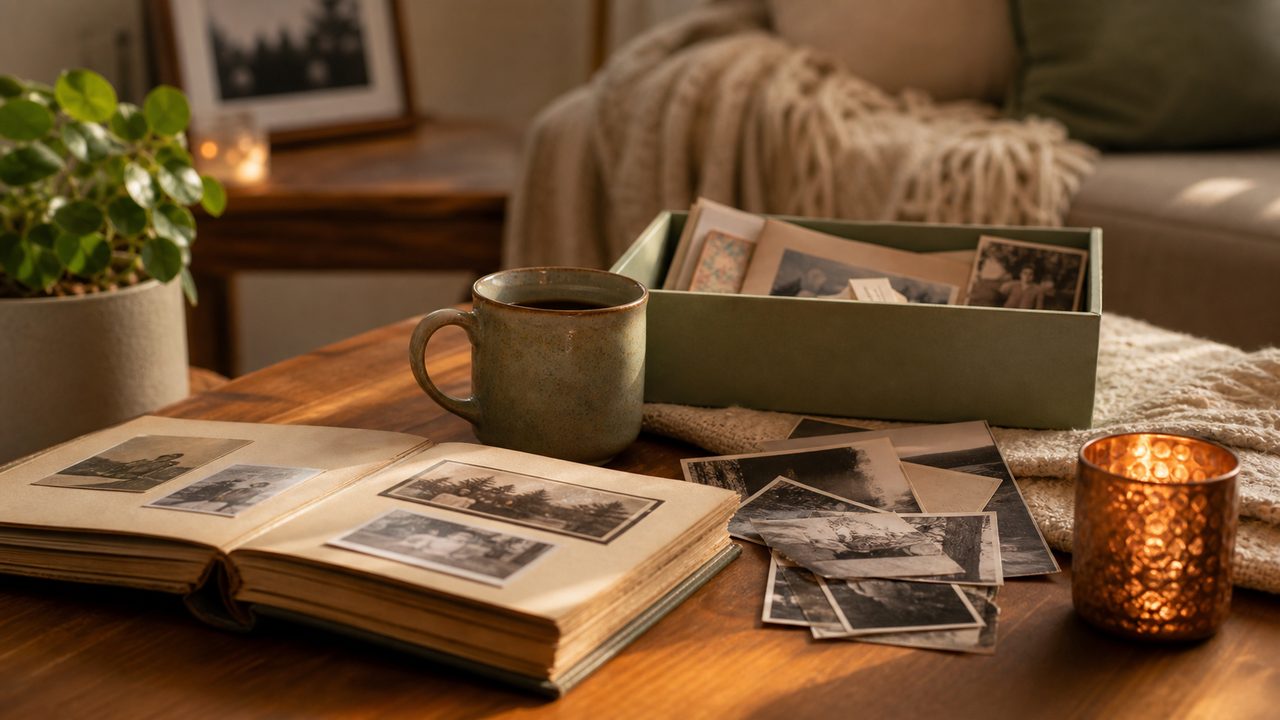
Create a small best-of collection
A lifetime of photos can be overwhelming. Make one folder of the images that matter most: family milestones, favorite portraits, places, pets, letters, and everyday moments.
Give it a simple name so loved ones can find it quickly.
Add context to images
Future generations may not know who appears in a photo or why it mattered. Add captions, dates, names, or a short voice recording explaining the story behind key images.
Context turns files into memory.
Do not rely on one device
Phones break, laptops disappear, and cloud accounts become inaccessible. Keep important archives backed up and make sure your digital estate plan explains where they are.
A final video can point to the album, but the storage plan should stand on its own.
Quick checklist
- Create a best-of album.
- Add names and dates.
- Back up important folders.
- Tell family where photos live.
Important: MyFinalMessage is for personal legacy messages and secure memory planning. It is not a substitute for legal, medical, financial, or mental health advice. Use qualified professionals and local official processes for those decisions.
Preserve Your Message With Care
Record a private video, choose recipients, and keep your legacy message protected until the right time.
Create Free Account →